IRCTC’s AskDISHA 2.0: Simplifying Train Ticket Booking with AI-Powered Virtual Assistant for Hassle-Free Travel.
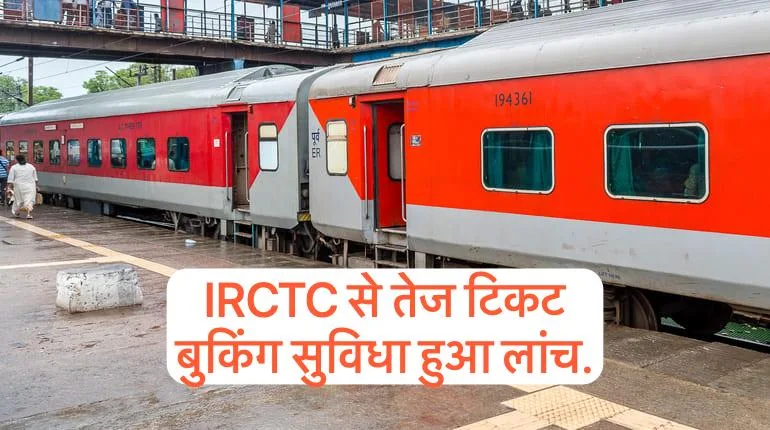
Introduction to AskDISHA 2.0
AskDISHA 2.0 is an innovative AI-powered virtual assistant launched by IRCTC to simplify the process of booking train tickets. This chatbot is designed to assist users in various tasks, such as booking tickets, ordering food, checking PNR status, and exploring tour packages, all while saving time. The introduction of AskDISHA 2.0 aims to enhance the overall customer experience by making these services more accessible and user-friendly.
Key Features and Functionality
The AskDISHA 2.0 chatbot offers a range of features that streamline the ticket booking process. Its end-to-end ticket booking system allows users to book tickets seamlessly, while the cancellation and refund tracking features provide easy management of bookings. Additionally, it enables users to check their PNR status efficiently. The technology behind AskDISHA 2.0 leverages Artificial Intelligence (AI), Machine Learning (ML), and Natural Language Processing (NLP), making it a versatile tool that can process voice commands, text inputs, and voice messages.
How to Use AskDISHA 2.0
Using AskDISHA 2.0 is straightforward. Users can start by visiting the IRCTC website and clicking on the AskDISHA 2.0 icon located on the right side of the screen. Following this, they are prompted to enter their travel details, select an appropriate train, and complete the booking process by entering an OTP sent to their registered mobile number. The payment can be made online, and the ticket confirmation is received almost instantly. This AI-driven assistant not only allows for fast booking but also provides a voice-based facility, making it convenient and simple to use.
Important Information Organised For You.
| Feature | Details |
|---|---|
| What is AskDISHA 2.0? | An AI-powered virtual assistant developed by IRCTC for booking train tickets and more. |
| Key Features |
|
| How to use AskDISHA 2.0? |
|
| Benefits of AskDISHA 2.0 |
|
| Information Details |
|